Window Light or Open Shade for a Phone Portrait?
Choose window light or open shade for a phone portrait by reading the light’s direction, softness and background before you frame the shot.
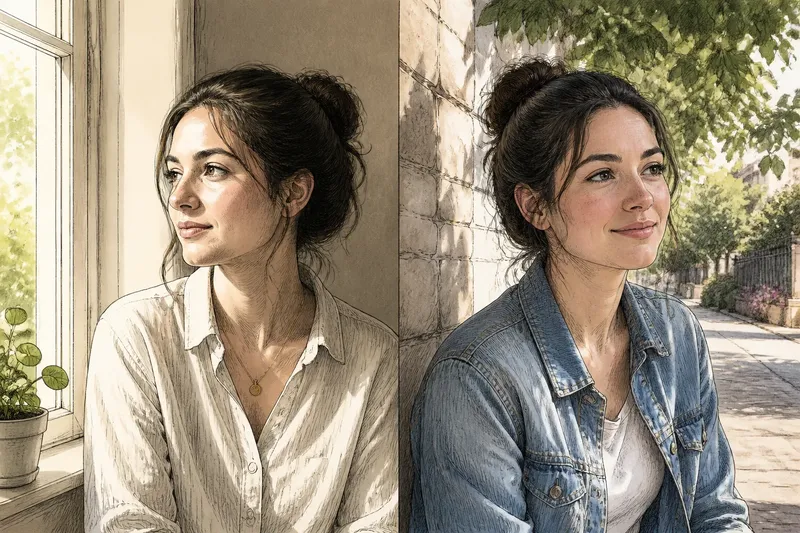
For a phone portrait, choose window light when you want the face shaped from one side, and open shade when you want softer, more even light outdoors. The difference is not simply indoors versus outdoors: it is the size and direction of the bright area illuminating the face, and what that light leaves behind the subject.
Both settings can produce gentle portraits. The useful question is what you want the light to say. A bright window can bring out the contours of a face and create a clear highlight-to-shadow transition; open shade often reduces that contrast and makes it easier to keep the whole face evenly readable. Check the background as well as the face, because the phone’s automatic exposure responds to the whole frame.
Window light gives you a clear direction to work with
A window is a bright opening in a wall, so it can act as a broad light source for someone standing nearby. If the subject faces it directly, light reaches both sides of the face fairly evenly. Turn the subject slightly towards it and one cheek catches more light while the far side falls into softer shadow. That small change can make a portrait feel more dimensional without requiring extra equipment.
Start with the subject a short distance from the window, then look at the eyes, cheeks and jaw. Ask the person to turn their head gradually rather than moving the phone around them. Watch for a catchlight, the bright reflection in the eyes, and for shadows that either define the face or obscure it. A white wall opposite the window may bounce light back into the darker side; a dark wall or deep room may leave that side more pronounced.
Window light also gives you a useful choice of background. Place the person with a plain wall or a calm part of the room behind them, and the window can illuminate the face while the background stays subdued. If the window itself appears in the frame, it may become a bright patch that pulls attention from the person. Move a little to change the framing, or turn the subject so the window is outside the picture but still lights the face.
Open shade softens direct sun without removing its direction
Open shade is a spot protected from direct sunlight but still exposed to a large area of bright sky. It might be beside a building, beneath a porch roof or just inside the shadow of a tree. Unlike deep indoor shade, an open area usually has a broad, bright view in front of the subject, which supplies soft illumination.
Ask the subject to face towards that bright open area. If they turn towards a nearby wall or into a narrow alley, the face may receive less light and the shadows can deepen. The edge of a building can also create a useful boundary: sunlight falls on one side, while the shaded side offers a calmer place to pose. Keep the subject fully in shade; a strip of direct sun across the forehead or cheek can create a sharp highlight that competes with the rest of the face.
Open shade tends to keep facial contrast gentle, but it does not make every background quiet. A sunlit pavement, pale wall or patch of sky behind the person can look much brighter than the face. With a phone, tap the face on screen to tell the camera which area matters, then check whether the background still holds useful detail. If it does not, shift the framing or turn the subject so a less bright surface fills more of the picture.
Choose the setting by the portrait’s intended character
Use the setting that gives you the light pattern and background you want, rather than treating one as inherently better.
- For visible facial shape: try a window from the side, or the edge of open shade where the bright sky reaches the face from one direction.
- For an even, relaxed expression: have the subject face the window or the open sky, and keep the light source in front of them.
- For a darker, quieter background: a window may help if the room behind the subject is less bright than the face. Check the preview so the face does not become too dark in response.
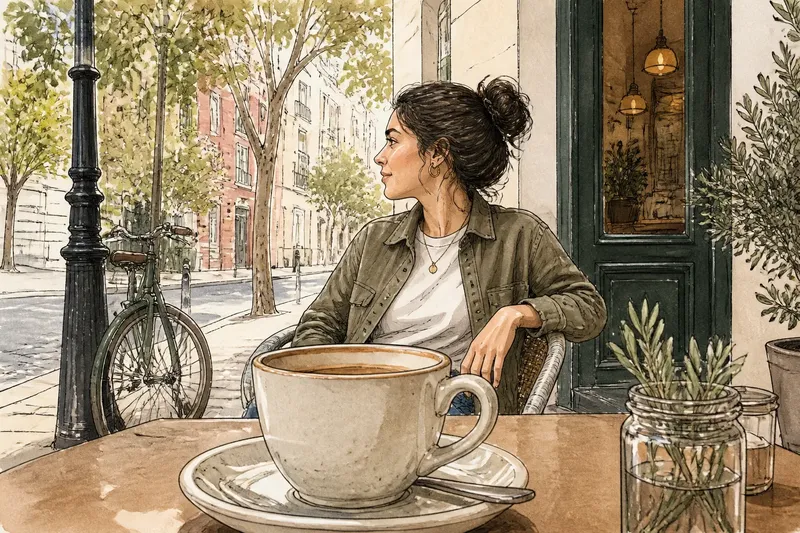
- For a lively outdoor setting: open shade lets you include a street, garden or building while avoiding direct sun on the face. Look for distracting bright spots behind the subject.
- For glasses or reflective skin: change the subject’s angle slightly to move reflections away from the camera, then inspect the eyes and forehead on screen.
Say you are making a portrait of a friend in a room with a large window and a bright garden outside. You want a calm image with a softly shaped face, not a silhouette against the view. Ask your friend to stand beside the window and turn slightly towards it, then move the phone until a plain interior wall replaces the garden in the background. The expected result is a face with a gentle shadow on one side and less competition from the bright view.
Phone exposure can change how the same light looks
A phone may brighten a shaded face while reducing detail in a bright window, or darken the face to retain a sunlit background. That is an exposure choice, not a sign that the light has changed. Tap the face in the camera preview, then assess the whole frame: skin should remain readable, highlights should not dominate, and the background should support the portrait.
Use the phone’s exposure adjustment, if available, in small moves. Lowering exposure can preserve detail in a bright window or pale wall, but it may make the face too dark. Raising it can help a shaded face, though bright areas may lose texture. A portrait mode blur is optional; it cannot fix an untidy background or poor light direction, and its edge processing can look unnatural around hair.
Do not keep changing camera lenses or digital zoom to solve a lighting problem. Instead, move the subject a little, alter their turn, or reframe to exclude a bright distraction. The main rear camera is often a sensible starting point for a natural-looking portrait; choose another lens only if its framing suits the space and the phone preview remains clear.
How do you decide between window light and open shade?
Which is better for a soft phone portrait?
Either can be soft if the face is lit by a broad source rather than direct sun. Face the subject towards a large window or the bright open sky, then check that shadows do not hide the eyes.
Can window light make a portrait look dramatic?
Yes, a side-facing window can give one side of the face more light and let the other fall into shadow. The effect depends on the room’s surfaces and how close the subject is to the window, so review the preview before settling on the pose.
Where should someone stand in open shade?
Look for shade that still has a clear view of bright sky or an open area in front of the subject. Avoid placing them beneath deep cover or against a bright patch that overwhelms the face.
What should you do if the background is brighter than the face?
Change the angle or framing so a less bright background sits behind the subject, then tap the face to set the phone’s exposure priority. If the face remains too dim, move to a more evenly lit spot rather than relying on heavy editing.
Make a quick comparison before you settle on a frame
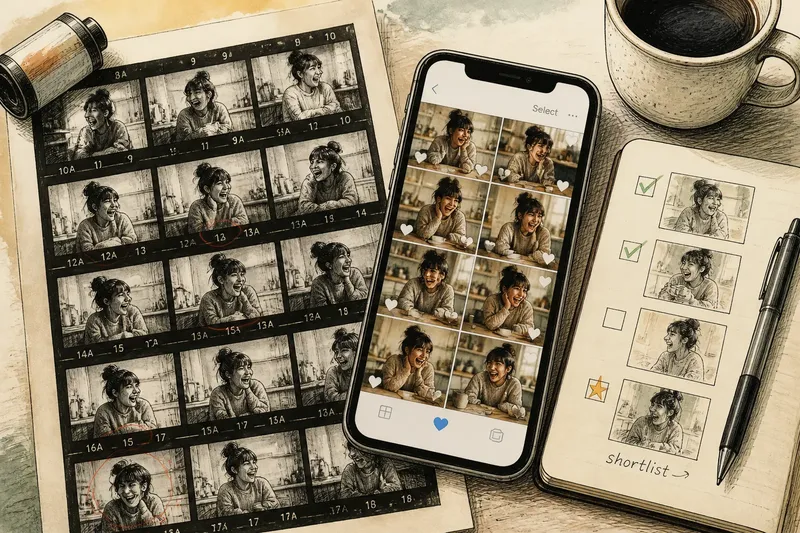
When both settings are nearby, take a moment to compare them with the same person and a similar framing. Keep the camera position steady, then look at the face, eyes and background in each preview. You are not trying to create identical conditions; you are checking which light better suits the mood and keeps attention on the subject.
In window light, check whether the side shadow adds shape or looks too heavy. In open shade, check whether the face feels pleasantly even or lacks definition. In both places, look for squinting, reflections in glasses, bright objects near the head and background edges that seem to grow out of the subject. A small change in head angle or where the person stands can resolve these distractions.
It is not worth carrying a reflector or searching for a complicated lighting arrangement for an ordinary phone portrait. A nearby pale wall can already soften a shadow, while a simple step into brighter open shade may be enough. Follow any phone or accessory instructions if you use extra equipment; local conditions and the device’s controls can vary.
For a phone portrait, window light is the more deliberate choice when you want directional shaping and control over an indoor background; open shade is often the easier choice when you want gentle outdoor light. Before pressing the shutter, check the face first, then the brightest part of the frame, then the edges of the background. That quick order helps you choose window light or open shade for the portrait you actually want, rather than merely the place that looks brightest.