Why Your Position Matters More Than Phone Zoom
Phone camera position changes perspective and object relationships; use a simple week of small moves to make stronger compositions without relying on zoom.

Phone camera position changes a photograph in ways phone zoom cannot: take a step to the side and a foreground branch may stop cutting across someone’s face. Zoom can enlarge the view, but it does not create that new relationship between objects. A week of deliberate, small shifts will teach you to look for those changes before you press the shutter.
Position changes the relationships in a frame
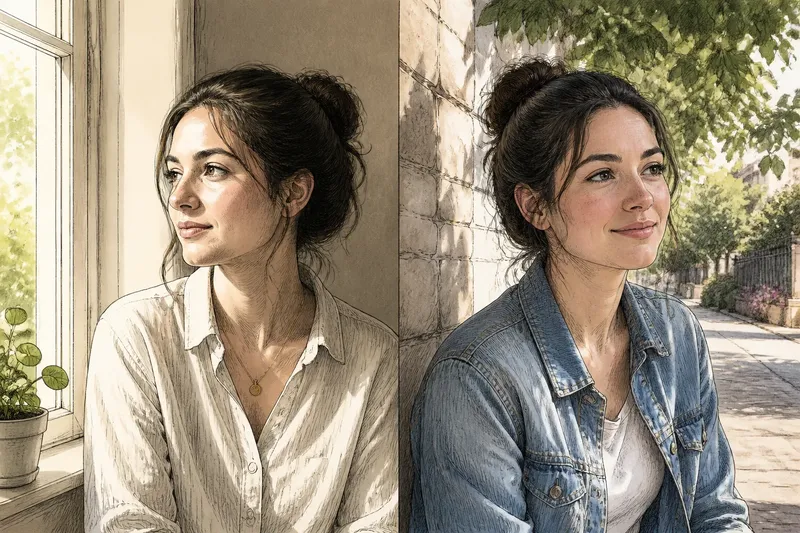
Move closer to a subject and nearby objects usually appear larger relative to things farther away. Move back and those differences tend to look less pronounced. Shift left or right and overlaps change: a lamp can separate from a head, a post can slide behind a shoulder, or a gap can open between two buildings.
These changes are about viewpoint, not simply subject size. Imagine you are photographing a friend beside a café table, with a cup in the foreground and a doorway behind them. If you move a little to one side, the cup may no longer cover their hand and the doorway may become a clean shape behind the chair. The expected result is a clearer arrangement, even if your friend occupies less of the frame.
Digital zoom, by contrast, crops into the scene and displays a smaller portion of it at a larger size. It can be useful when you cannot move, but it leaves the viewpoint and the objects’ relative positions unchanged. If the composition feels tangled, enlarging it usually makes the tangle more prominent.
Use a week to practise small viewpoint changes
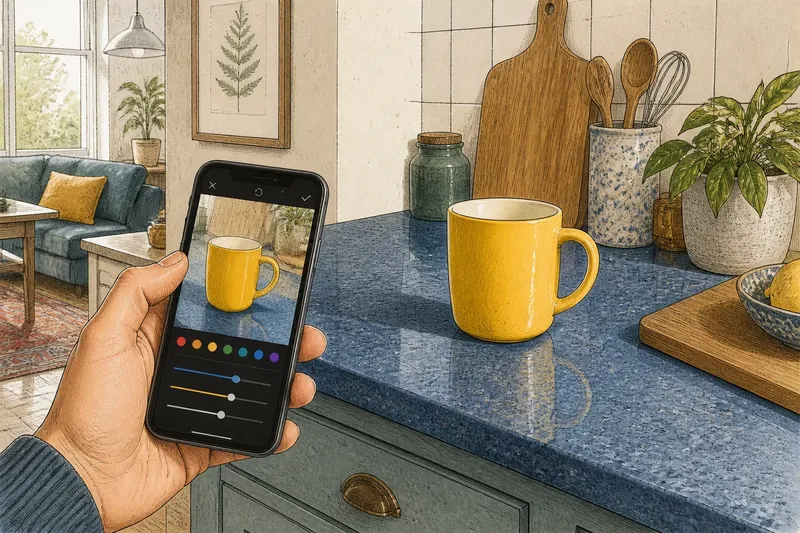
Keep the routine light: spend a few minutes on one subject each day, using the main camera view without zoom. Pick ordinary scenes you can revisit, such as a mug near a window, a bicycle against a wall or a street sign among branches. The point is not to collect polished photographs; it is to notice what shifts when you move.
- Day one: take a straight-on frame. Choose a subject with something behind it. Keep your phone level and note where the subject sits in relation to the background.
- Day two: move closer. Take another frame from the same direction. Watch how a nearby edge, hand or object changes size relative to the background.
- Day three: step back. Keep the subject in view and notice whether the surroundings become more prominent and the depth feels different.
- Day four: shift left, then right. Look for overlaps that appear or disappear. Choose the side that gives the subject a clearer outline.
- Day five: change height. Photograph from standing height, then crouch or raise the phone safely. See whether foreground objects hide the subject or lead the eye towards it.
- Day six: try a diagonal approach. Move closer from one side rather than walking straight towards the subject. Compare the visible sides of objects and the way they layer.
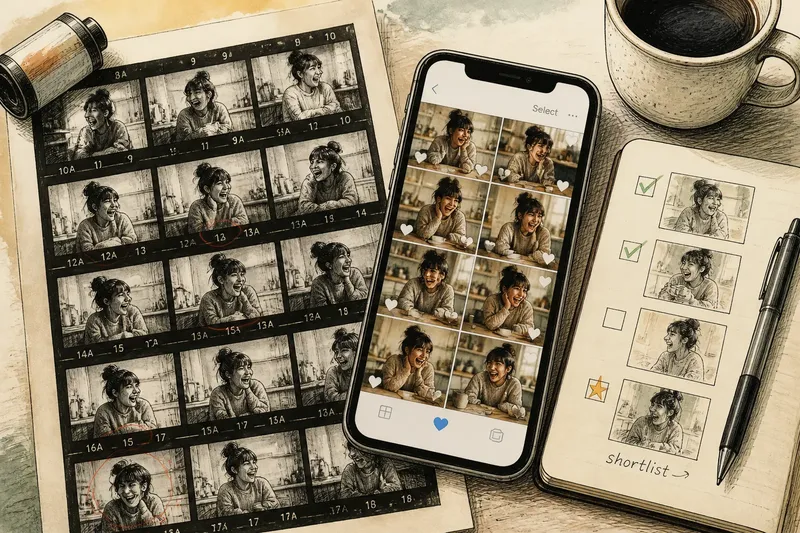
- Day seven: compare and select. Put the frames beside one another and choose the one with the most useful relationships, not simply the largest subject.
Do not turn this into a hunt for a perfect spot. One step may be enough. If the scene is crowded, make a small move, check the screen, and decide whether an overlap improved before trying another.
Read the frame from front to back
Before each shot, scan three layers. Start with the foreground: is a railing, cup or branch blocking an important part of the subject? Look at the subject next: does its outline separate from nearby shapes? Then inspect the background: are strong lines or bright patches drawing attention away?
Use the screen as a map, not just as a preview. Notice where edges meet. A tree trunk that appears to grow from a person’s head is often fixed by moving a little sideways. A bright sign touching the edge of a face may be easier to remove from the composition by changing your position than by cropping later.
When the subject is a person, tell them you are adjusting your position rather than asking them to keep changing poses. This keeps the comparison simple: the person stays still while you find a cleaner alignment. For a still life, keep the objects where they are and move around the table instead.
Choose distance before reach
Moving nearer can make a close object dominate the frame, while stepping back can reveal more context. Neither is automatically better. Ask what the photograph needs: a detail that fills the view, or enough surroundings to explain where the subject is?
Some scenes do not allow a safe or sensible change of distance. A barrier, traffic, a fragile display or a person’s privacy may limit where you can stand. In those cases, use the phone’s available camera options or accept a looser frame; do not cross a boundary or crowd someone for a tighter picture. If the phone has a separate optical camera for a different view, remember that it can alter framing, but moving your body is what changes the viewpoint.
Zoom is most useful when your position cannot change and you have already decided that the existing perspective suits the picture. It can also help frame a distant subject without bringing distracting surroundings into view. If the image looks soft or noisy, try returning to the standard view and adjusting your stance or cropping later, if the composition permits.
Small shifts are more useful than constant repositioning
Moving continuously can make it harder to understand which change helped. Make one adjustment at a time: step closer, check the frame, then decide whether to shift sideways. Keeping the subject in roughly the same part of the screen makes comparisons easier, but do not force an exact match if doing so hides a useful difference.
It is not worth taking a dozen near-identical frames while hoping one will somehow feel right. If two positions produce the same overlaps and the same background distractions, stop and choose another direction, height or distance. The useful question is what relationship you want to change.
What changes when you move instead of zoom?
Does moving closer make the background blurrier?
Moving closer can make the subject appear more separated from the background, depending on the phone, focus distance and scene. It also changes the relative size of nearby and distant objects, so check the whole composition rather than treating blur as the only sign of depth.
Does phone zoom change perspective?
Digital zoom enlarges a cropped view but does not change the camera’s position in the scene. A different physical camera module may have a different viewpoint because its lens sits elsewhere, but it still cannot recreate the relationships produced by walking to a new position.
Should I use the wide or main camera?
Choose the view that frames the scene without forcing you into an awkward or unsafe position. A wide view can include more surroundings, while the main view may feel less expansive; compare the edges and the apparent size of nearby objects before settling on one.
What if I cannot move around my subject?
Keep the position you have and look for a small change in phone height or angle, if that is comfortable and safe. You can also simplify the frame by waiting for a distracting passer-by to leave or by choosing a tighter crop, while accepting that neither option changes the original viewpoint.
Make the final choice by checking the overlaps
Near the end of your week, return to one scene and review the frames at normal screen size. Pick the image where the subject, foreground and background are easiest to read together. A slightly smaller subject can make the stronger photograph if its outline is clear and the surrounding objects support rather than compete with it.
For your next phone photograph, decide what needs to move in the frame before reaching for zoom. If a line crosses the subject, shift sideways; if a foreground object overwhelms it, adjust distance; if the scene already reads well, keep your position and use zoom only to frame. That simple pause turns phone camera position into a deliberate composition choice.